
Read and filter the chronology
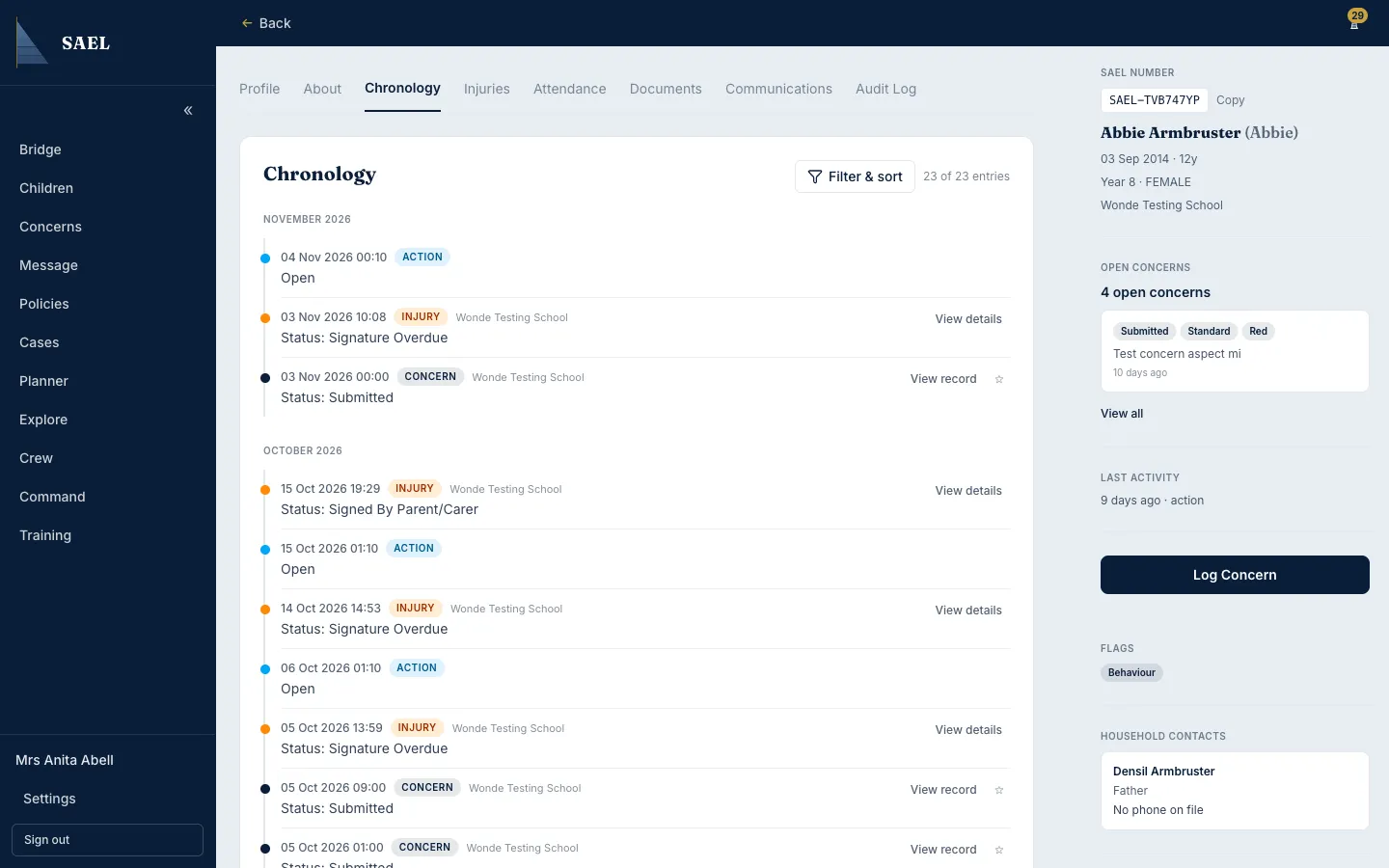
Open the chronology
Section titled “Open the chronology”- Open the child’s record from Children.
- Select Chronology.
- Review the entries grouped by month. The normal order is newest first.
- Open an entry when you need to read its detail. Use the event type and date to understand where it sits in the child’s history.
Change the view
Section titled “Change the view”- Open Filter & sort.
- Choose Newest first or Oldest first depending on the review you are undertaking.
- Select the event types relevant to your review. Available types include concern, concern note, injury, referral, legal order, transfer, document, meeting, action, contextual note, child voice, stage change, Duty to Report and setting start.
- Review the filtered entries, then clear the filters when you need the full chronology again.
Use the chronology as a sequence, not a substitute for source records
Section titled “Use the chronology as a sequence, not a substitute for source records”The chronology brings events together; it does not replace the detail held in the original concern, injury, document or meeting record. Open the underlying entry when the context, outcome or action matters. A missing item may be outside the filter currently selected or may not be linked to this child.