
Understand integrations and planned connections
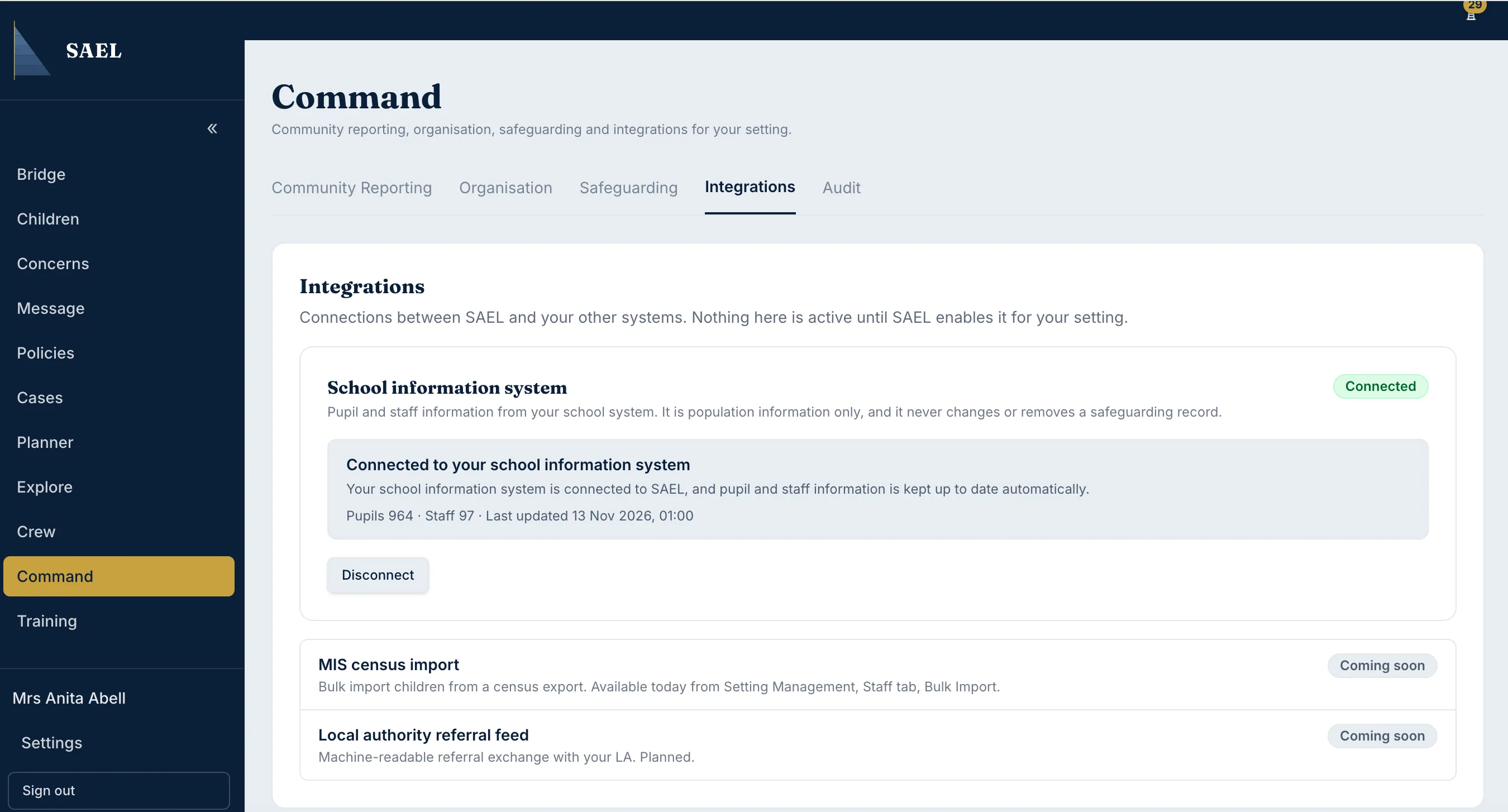
- Open Command → Integrations.
- Review the Wonde card if your setting is considering a connection. The card may describe whether a connection is configured or needs SAEL enablement.
- Do not assume that seeing an integration name means it is active for your setting. The page states that connections are not active until SAEL enables them for that setting.
- The page also lists other potential connections, including MIS census import and a local authority referral feed. These are shown as planned, not available live connections.
Import census or staff data now
Section titled “Import census or staff data now”Where you need to bring records into SAEL today, use Command → Organisation → Data & imports → Start a bulk import. The bulk importer supports CSV, Excel and JSON files and includes Children, Staff, Contacts, Injuries and Concerns import areas. It is separate from an automated live MIS integration.
If you need an integration enabled or want to confirm whether a particular provider is supported for your setting, raise a support ticket with the provider name, your setting and the workflow you need. Do not enter API keys or passwords into a support ticket unless SAEL explicitly provides a secure process for that purpose.