
What works offline and how queued records sync
What SAEL supports offline
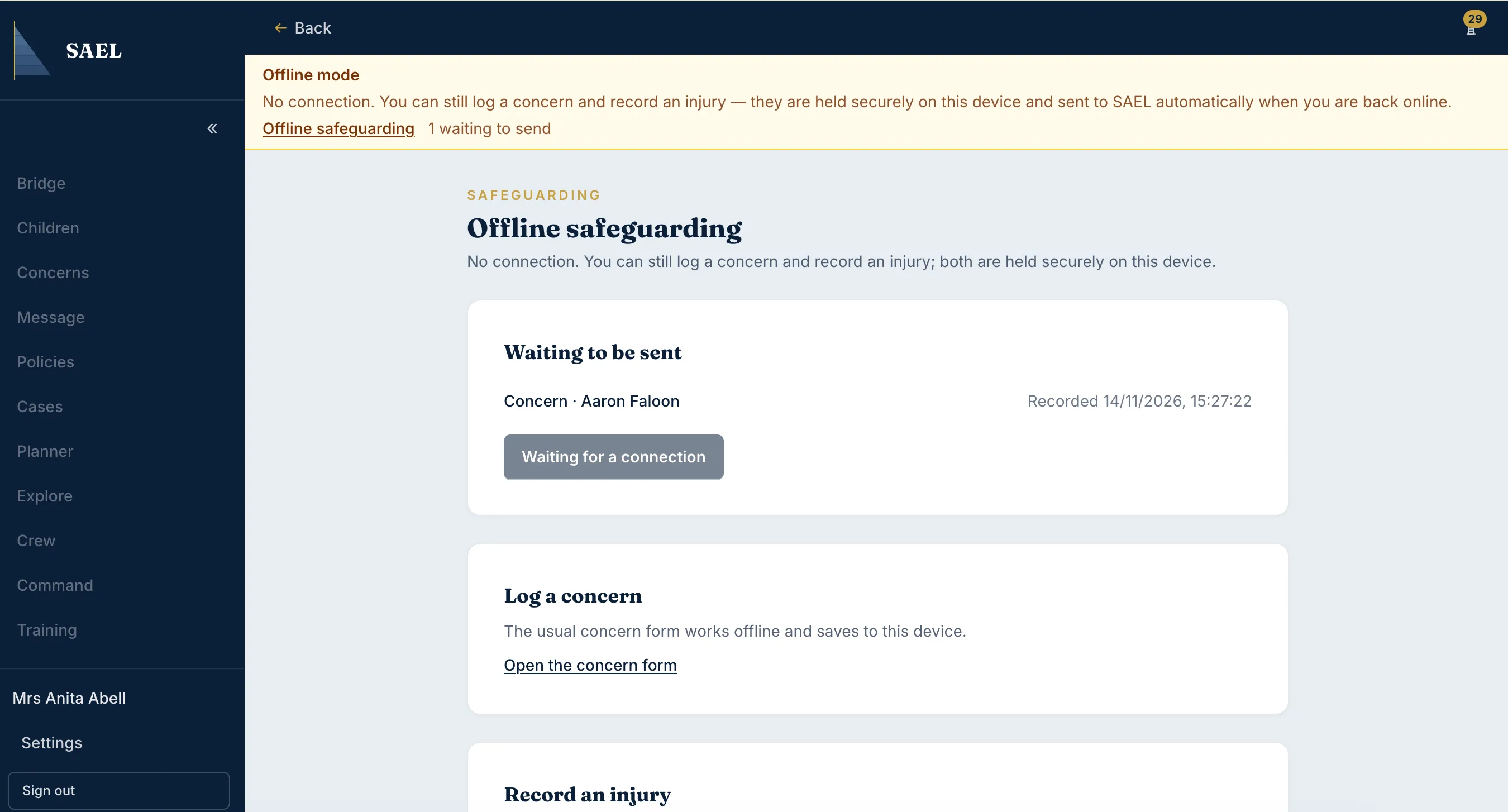
Section titled “What SAEL supports offline”Offline support covers capturing concerns and injuries only, and only when the browser can store the information securely. SAEL can make a cached child roster available for lookup. It does not mean that every page, document, transfer or messaging feature works without an internet connection.
Before relying on offline capture
Section titled “Before relying on offline capture”- Use the supported SAEL app in a browser that allows secure local storage.
- Make sure you have signed in while connected and that SAEL has been able to prepare the offline data it needs.
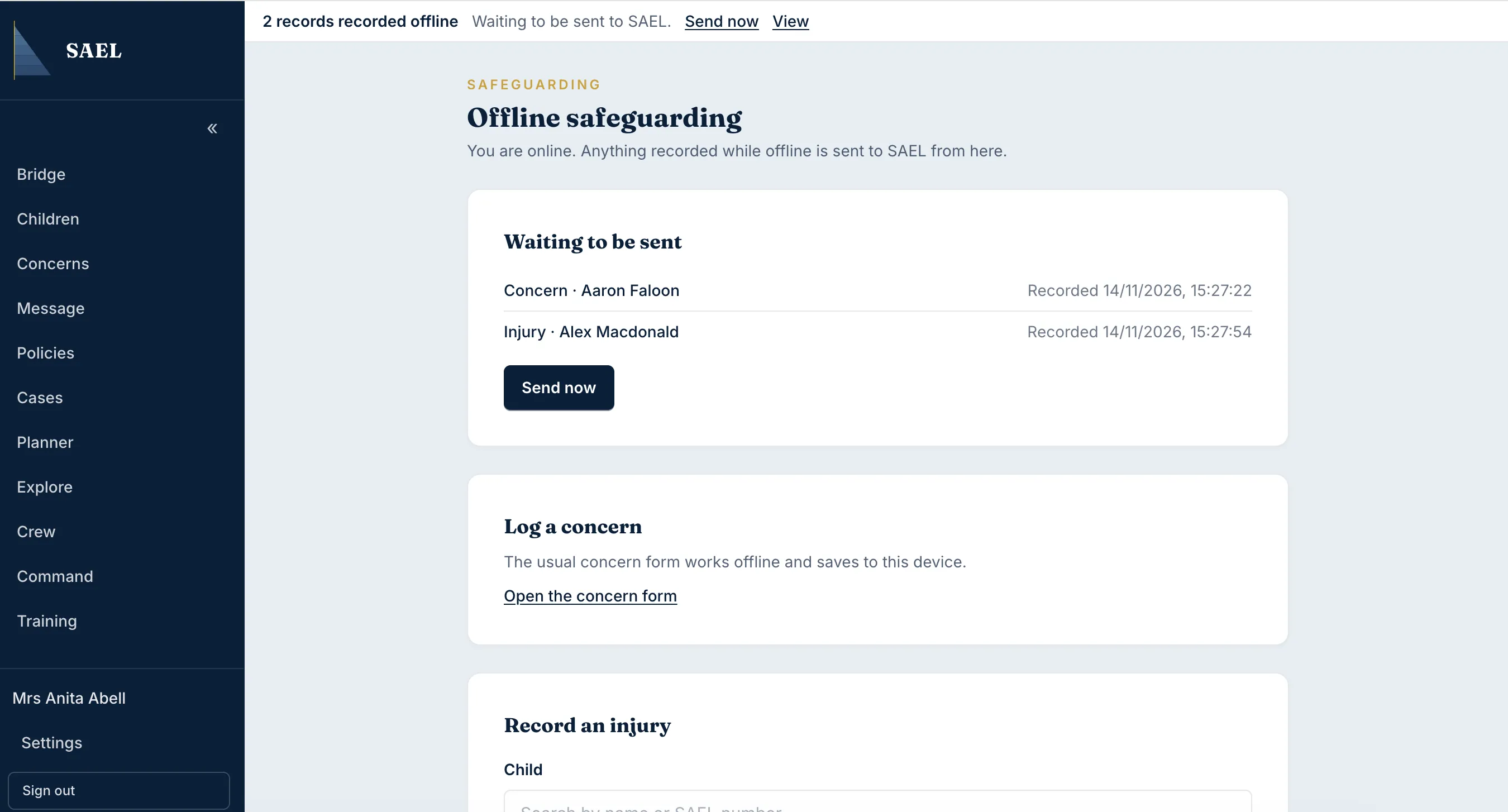
- Open the Offline safeguarding area when you need to record an item without a connection.
- Search the cached child roster and select the correct child where required.
Record an offline injury
Section titled “Record an offline injury”- Open the injury capture form.
- Select the child from the available cached list.
- Select the body zone.
- Select the injury type.
- Enter the date.
- Add a description or photograph where useful and available.
- Review the selected child and injury details, then save the offline entry.
Record an offline concern
Section titled “Record an offline concern”- Open the concern capture form in Offline safeguarding.
- Select the child from the cached roster where the concern relates to a child.
- Complete the concern details requested by the form.
- Review the child identity and content, then save the offline entry.
What happens when the connection returns
Section titled “What happens when the connection returns”Queued entries sync automatically when the device reconnects. Check that the queued item appears in the normal SAEL record after synchronisation. If an item remains queued or an error appears, do not create a duplicate online record until you have checked whether the first entry reached SAEL; contact your DSL or support as appropriate.
If secure browser storage is unavailable, SAEL does not offer offline capture on that device. Do not use an unapproved workaround, a personal notes app or an unencrypted local file to store safeguarding information. Follow your setting’s approved contingency recording process instead, then transfer the information into SAEL when safe and appropriate.
Offline capture does not replace emergency procedures or immediate referrals where required.