
Assign, reassign or remove a setting role
Assign a role to someone
Section titled “Assign a role to someone”- Open Command → Organisation → Staff & roles → Roles & permissions.
- Select the role you want to assign.
- In the role drawer, select People.
- Wait for the current assignments to load. If SAEL says the assignments could not be loaded, do not proceed until the list can be checked.
- In Assign this role, open the staff picker and search for the person. Select the correct staff member.
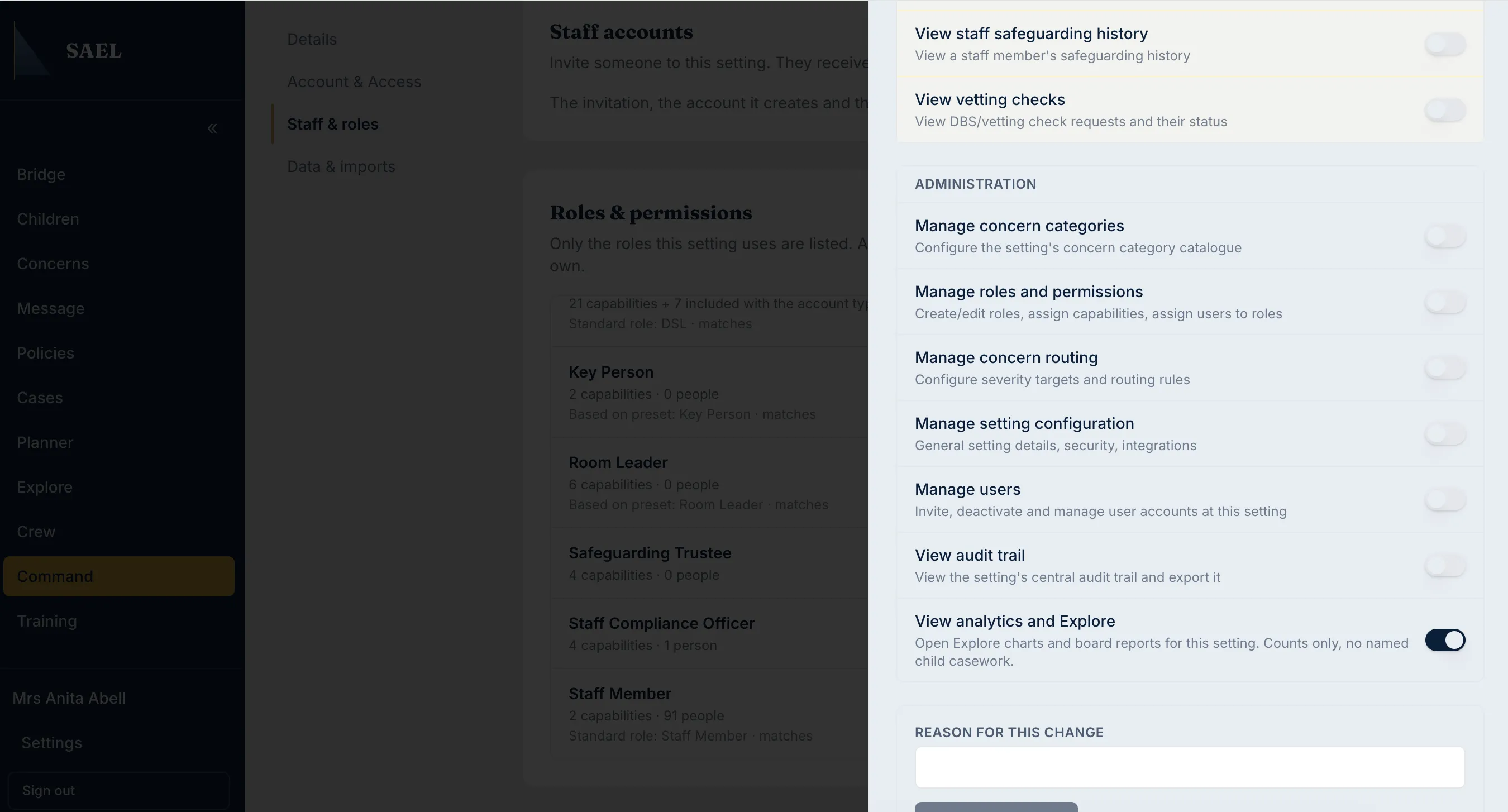
- Enter a Reason for this assignment. This is required and becomes part of the role-change record.
- Check the message below the picker. If the person has no current setting role that conflicts, select Assign role.
- Wait for the Role assigned confirmation and check that the person appears under People holding this role.
Reassign someone who already has a setting role
Section titled “Reassign someone who already has a setting role”A user may hold one current setting role. If you select someone who already has another, SAEL displays the current role and explains that assigning the new role will replace the existing role and its permissions.
- Check the person’s name and the role they currently hold.
- Confirm that you intend to replace that access, not add to it.
- Select Reassign role.
- Read the Replace current role? confirmation dialog. It explains which role and permissions will be replaced and confirms that role history will be kept.
- Select Confirm reassignment only if the replacement is correct. Otherwise select Cancel.
- Check the person now appears in the new role’s People list. Reassess their menu and permissions before they carry out work.
Remove a role assignment
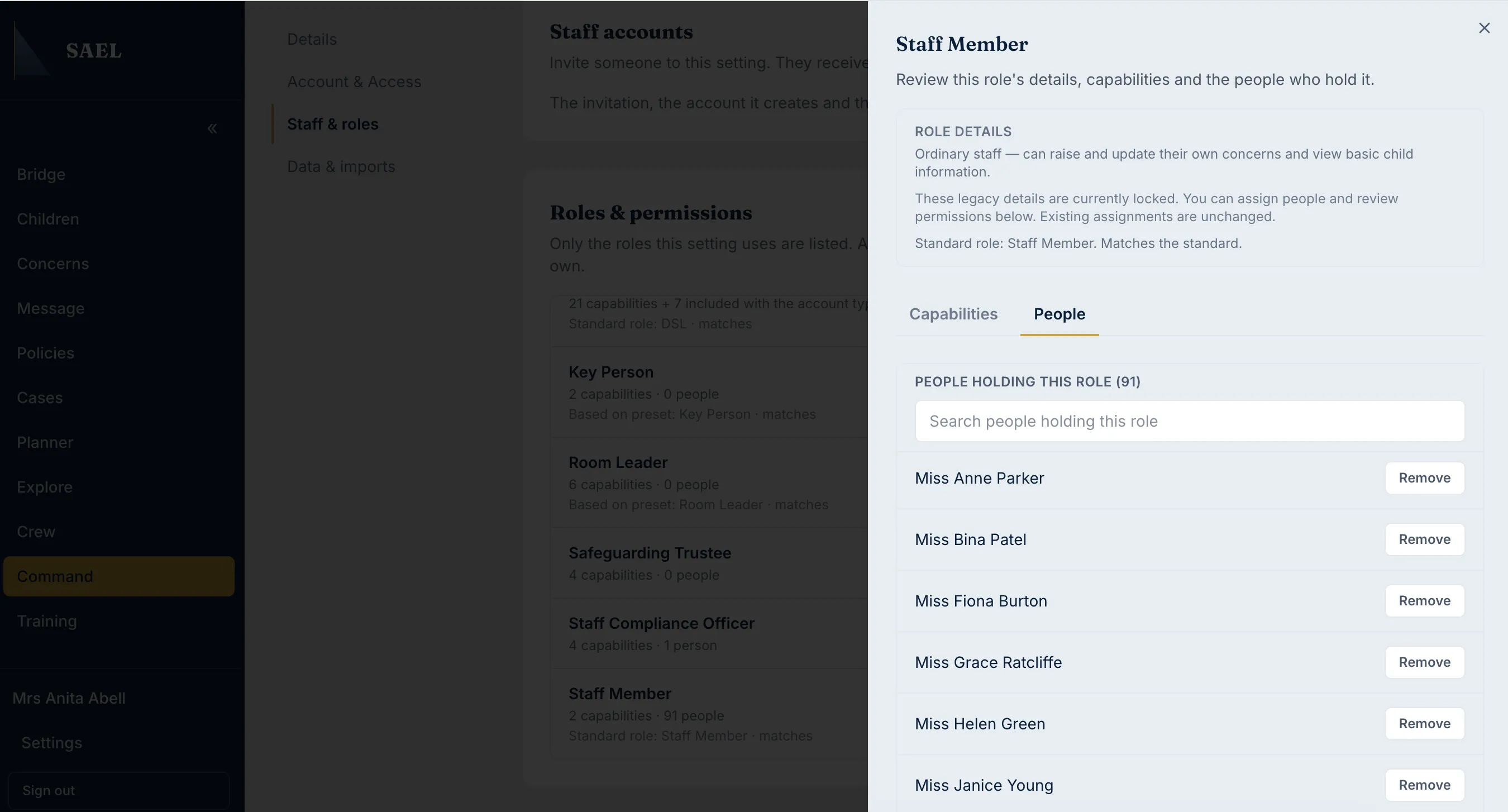
Section titled “Remove a role assignment”- Open the role’s People tab.
- Find the person under People holding this role. If there are more than five holders, use the search field.
- Select Remove next to the correct person.
- Enter the Reason for removing this role.
- Select Confirm removal.
- Check the person’s name is no longer listed as a holder.
Removing a custom setting-role assignment changes the person’s permissions; it does not necessarily remove their underlying SAEL account or setting membership. To suspend sign-in or record a departure, use the staff access and employment controls instead.