
Start an internal SAEL Journey
Before starting
Section titled “Before starting”Check the receiving setting and the child’s identity. For a multi-child transfer, confirm that every selected child belongs in the same handover. An internal Journey is a controlled transfer between SAEL settings; it is not an ordinary email attachment.
Start from a child record
Section titled “Start from a child record”- Open Children and select the child.
- Open the Journey/transfer action from the child record.
- Choose the internal SAEL Journey route.
- Search for and select the receiving setting.
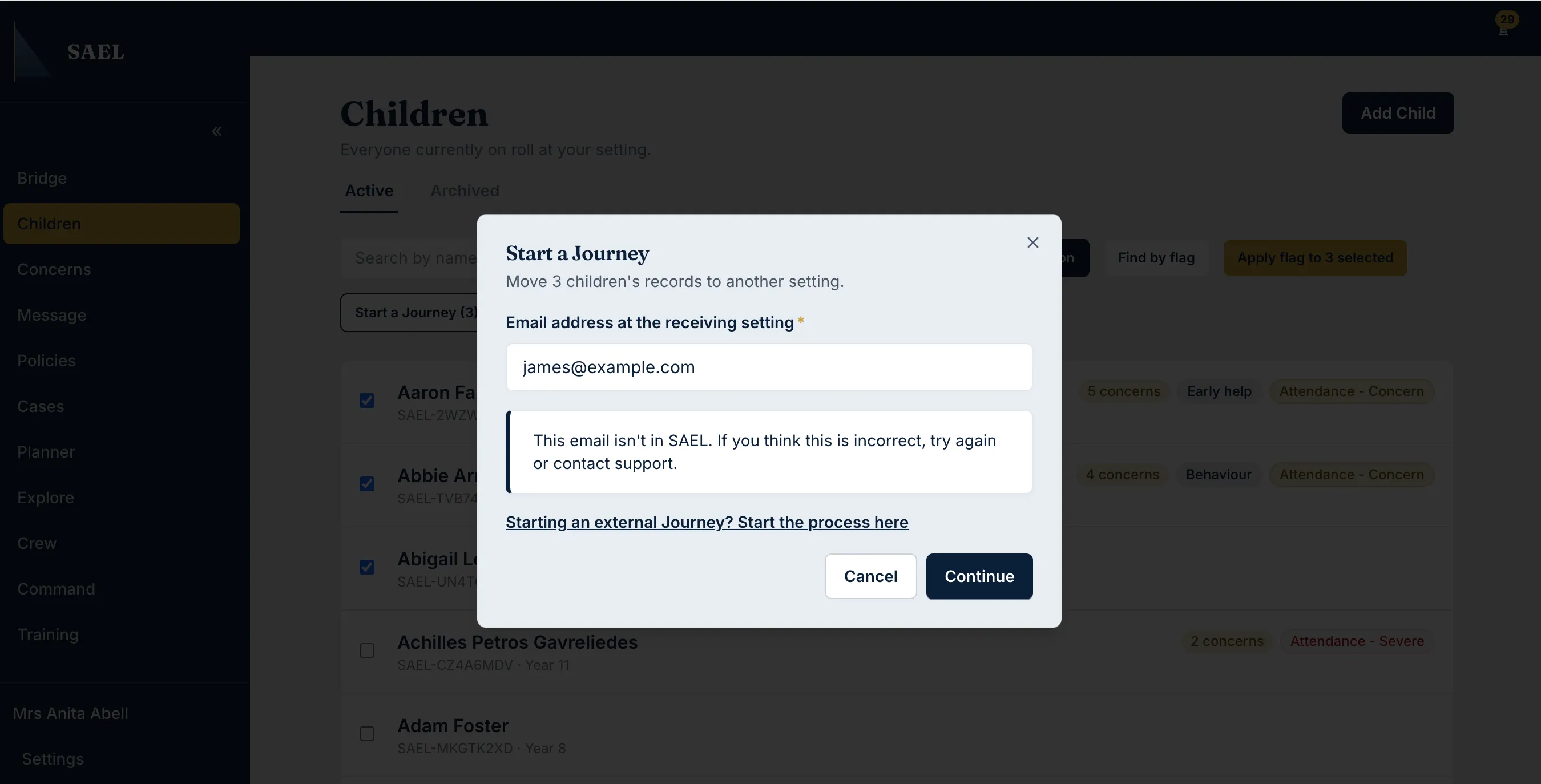
- Enter the receiving DSL or contact email requested by the form.
- Add an effective-from date if the transfer should take effect on a particular date. Add handover notes where useful and appropriate.
- Review the selected child, receiving setting, contact and handover information.
- Submit the Journey request.
Start for several children
Section titled “Start for several children”- Open the Children register.
- Select the children that belong in the same transfer batch.
- Open the bulk Journey action.
- Complete the same receiving-setting, contact, effective-date and handover details.
- Review the complete child selection before sending.
- Submit the batch.
What happens next
Section titled “What happens next”The receiving setting must confirm the Journey. The sender then has a reconfirmation step before the transfer completes. If no effective date is supplied, the Journey takes effect immediately after the required confirmations. If a date is supplied, it takes effect after those confirmations on the specified date.
If SAEL cannot match the receiving setting, do not guess the destination. Use the external Journey route only where it is appropriate and permitted.