
Understand the Duty to Report prompt
The Duty to Report prompt is a prompt within the concern logging workflow. It is not a forced report button and it does not prevent a concern from being saved.
When it appears
Section titled “When it appears”For staff concern categories configured as Low severity, SAEL asks a short question and checks the description for risk wording. A Duty to Report prompt appears when either indicates a possible risk of harm. For Medium or High staff-concern categories, the prompt is shown when the concern is logged.
The prompt may also be influenced by the setting’s concern configuration. The wording and availability can therefore vary by setting.
What staff should do
Section titled “What staff should do”- Read the prompt carefully when it appears.
- Consider the information you have and whether the concern meets your setting’s reporting/escalation procedure.
- Follow the reporting instructions shown and your setting’s safeguarding process.
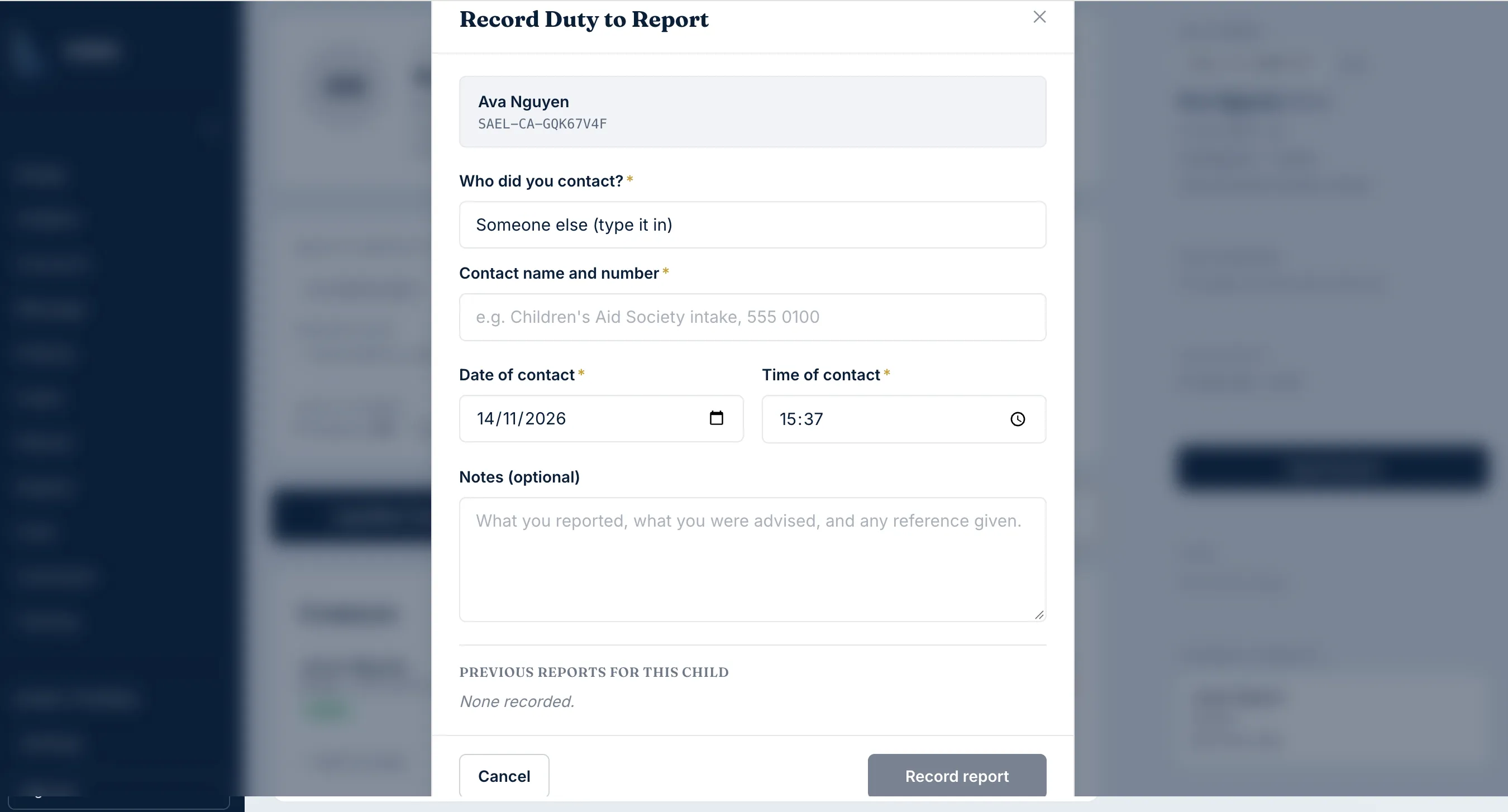
- Continue through the concern workflow and submit the concern so that the record is retained.
The prompt does not decide whether a statutory or external report is required. It does not replace the DSL, emergency services, the local authority or any legal duty that applies. A staff member must not ignore an immediate safety risk because a prompt did not appear.