
Export the Single Central Record
- Open Crew → Staff.
- Confirm that the Single Central Record module is active for the setting. If it is not active, the export control will not be shown.
- Review the staff list and resolve any obvious data or filter issues. The export uses the available staff overview and SCR data.
- Select Export SCR (PDF). In a Canadian setting, the action may be labelled Export screening record (PDF).
- Allow SAEL to generate the PDF and save it to the approved secure location.
- Open the PDF and check its setting name, staff list, roles and check statuses before using it.
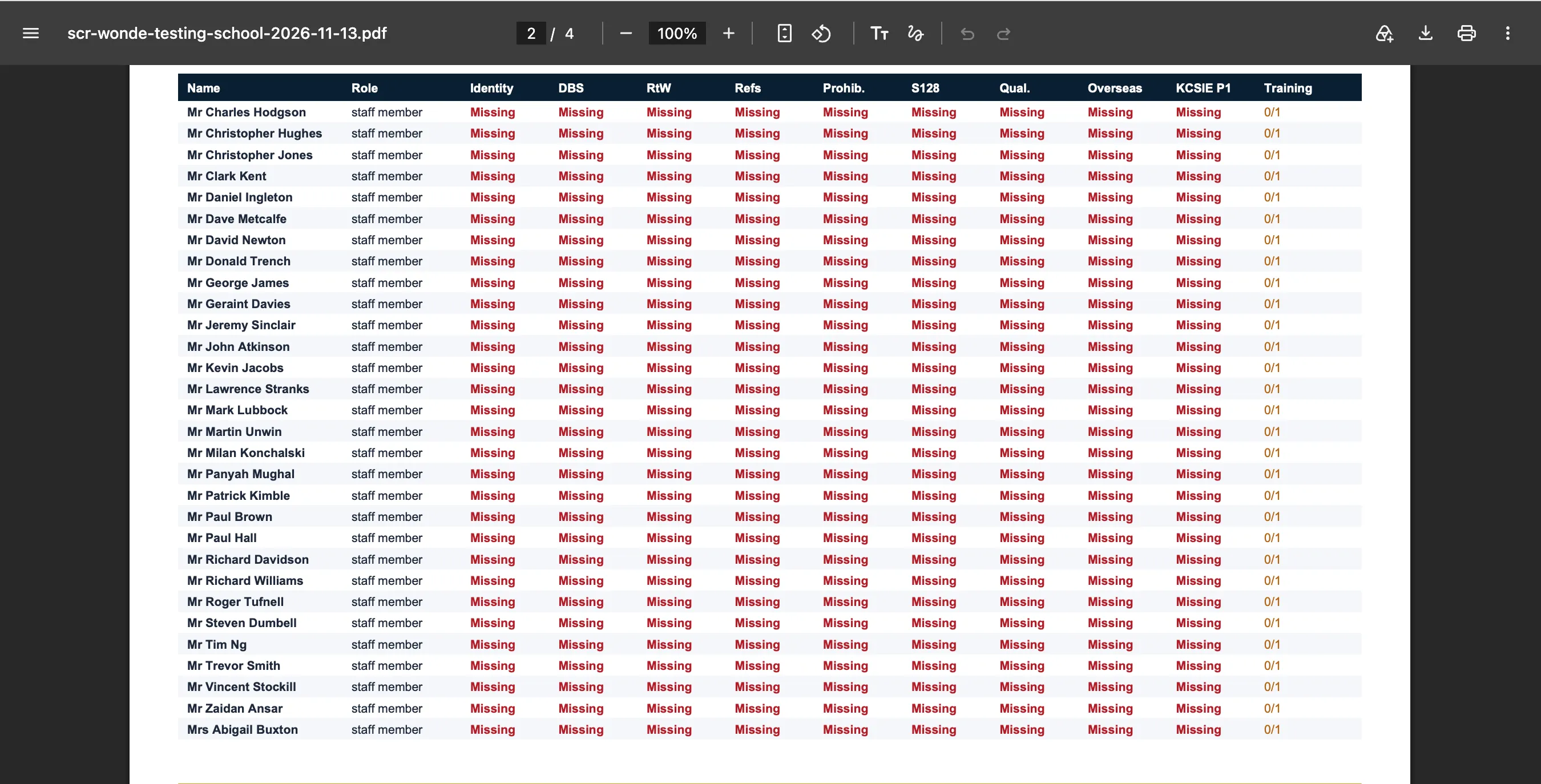
The export is a summary of information recorded in SAEL at the time it is generated. It does not certify that every statutory check is complete, and it does not replace checking original evidence or the setting’s own safer recruitment obligations. Keep the exported file access-controlled.