
Log setting, practice or not-on-roll concerns
SAEL can offer concern types for matters that are not about a child on the setting’s roll. These options are feature-dependent and may not appear for every setting.
Setting or practice concern
Section titled “Setting or practice concern”Use this route for a concern about the setting environment, a routine, a procedure or a practice affecting the setting more broadly, rather than an individual child’s record.
- Select Log a Concern.
- Choose Setting or Practice if that option is available.
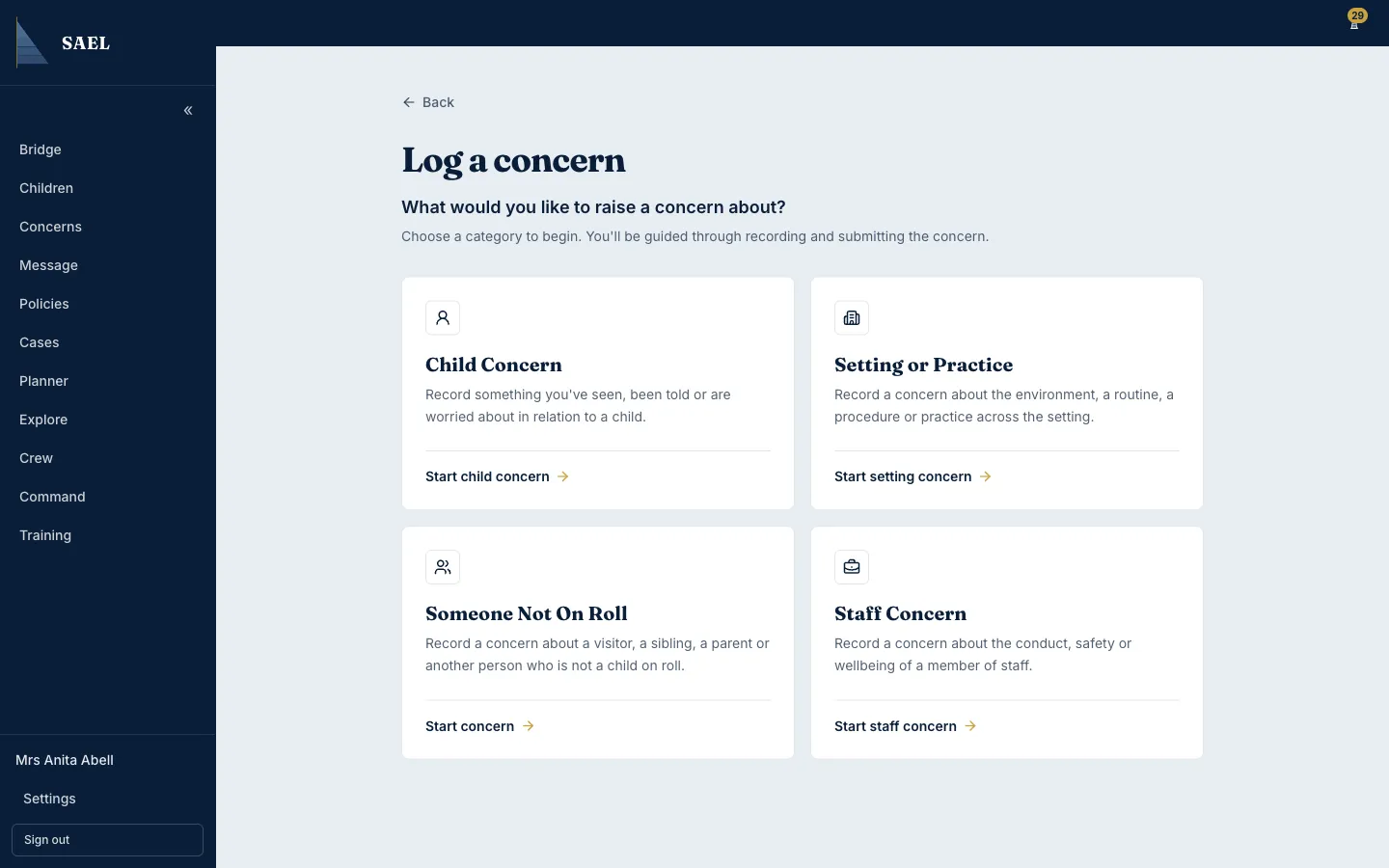
- Select the relevant setting/practice category.
- Describe the issue clearly. Include what was observed, when it happened and the location or process involved.
- Add people involved and urgency details where the form asks for them.
- Review the details and submit.
Someone Not On Roll
Section titled “Someone Not On Roll”Use this route for a concern about a person who is not a child on the setting’s roll, such as a visitor, sibling or parent, where the concern workflow is appropriate.
- Select Log a Concern.
- Choose Someone Not On Roll if it appears.
- Complete the subject/person information requested by the form.
- Select the applicable category and enter the factual description, event date and other available details.
- Review the information and submit.
If the options are missing
Section titled “If the options are missing”The setting’s DSL or module controller may need to enable the relevant concern type under Command → Organisation → Details → Setting controls. The setting/practice and not-on-roll options are only shown when they have been provisioned for that setting. Switching a type off prevents it being selected for new concerns; it does not delete existing concerns of that type.