
Attendance is not showing on a child record
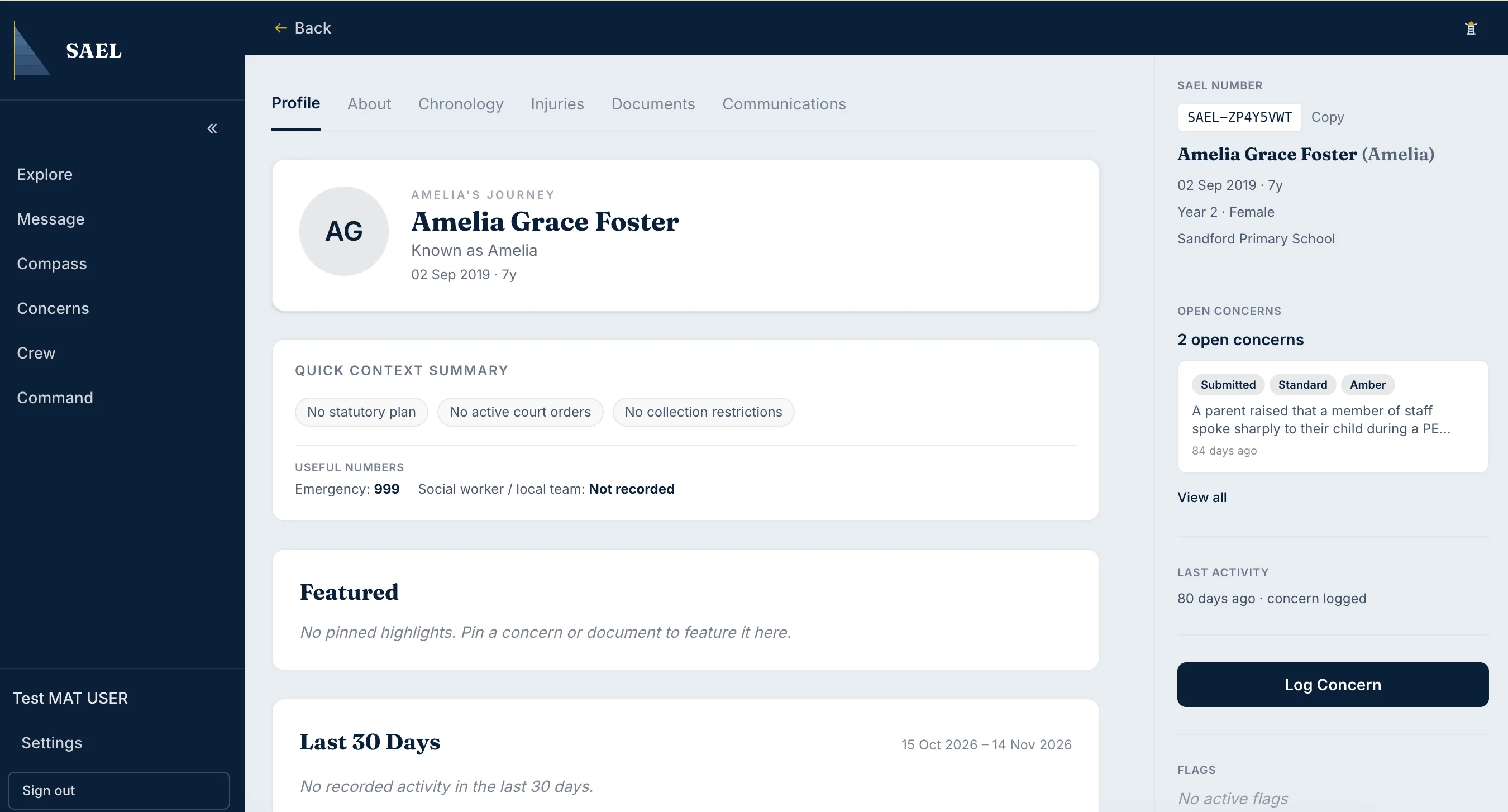
The Attendance tab is conditional. It appears only where an integration has supplied dated attendance information and the signed-in user has the required safeguarding permission.
- Open the child’s record and check the tabs available to your role.
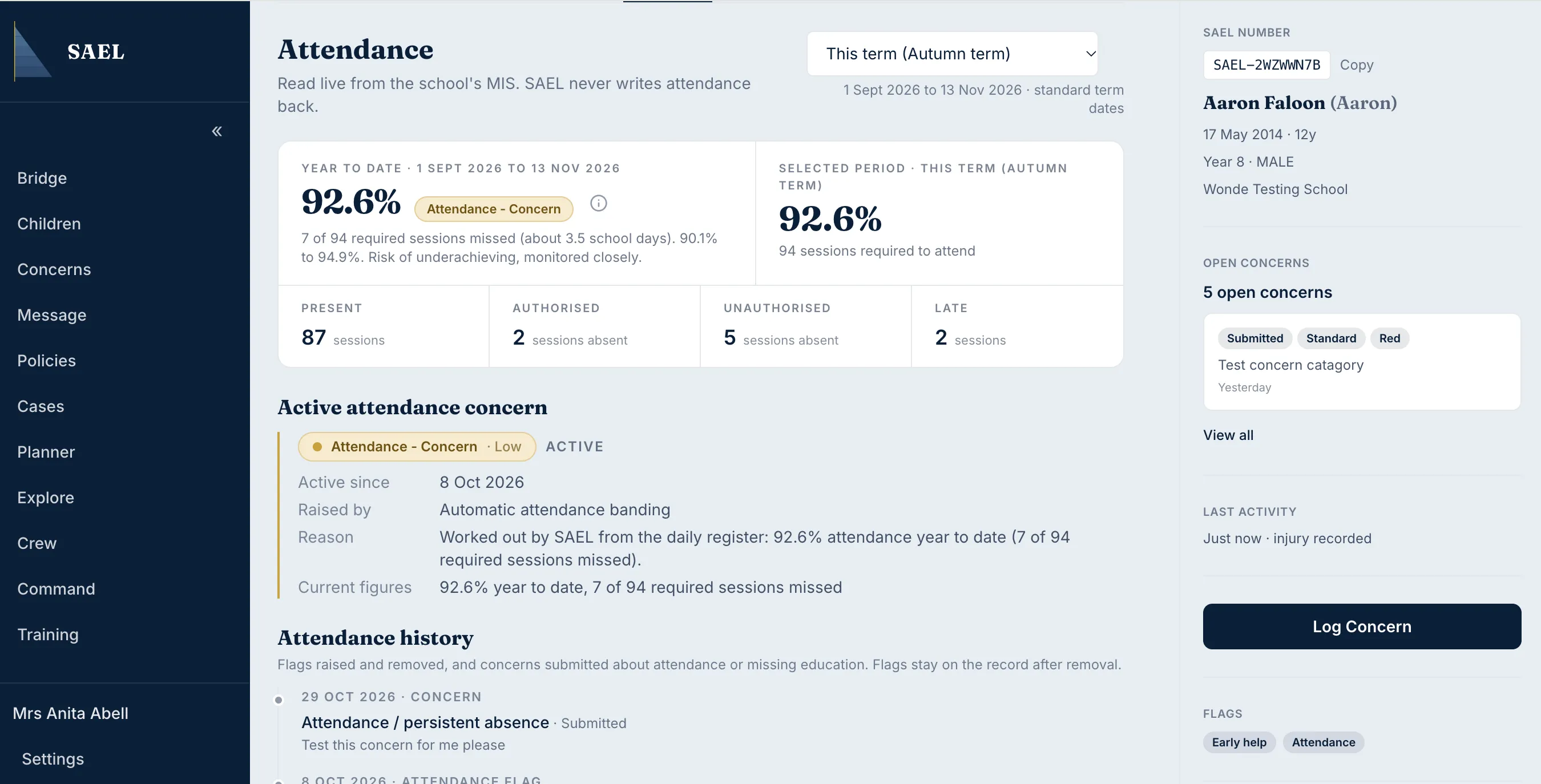
This is what the tab looks like once a dated attendance feed is connected — if the child’s record looks like this, the integration is working and the steps below don’t apply.
- If Attendance is absent, confirm whether the setting’s MIS/attendance integration is configured to provide dated attendance data to SAEL.
- Ask the setting administrator to confirm the connection and data scope. The Integrations page may show an integration card, but seeing a provider name does not prove that a live feed is configured for your setting.
- Check your role and safeguarding capabilities. A user with limited staff-safe access may not see the Attendance tab even when the data exists.
- If the feed is active and your role should have access, raise a support ticket with the child’s SAEL Number, the setting, the date range expected and the screen where the tab is missing. Share only the minimum necessary personal data.
Do not enter attendance manually into an unrelated field to compensate for a missing feed. Use your setting’s approved attendance system and ask SAEL to investigate the integration or access issue.