
Export a casefile as a PDF
- Open Cases and select the Open, Closed or All queue as appropriate.
- Search for the casefile and open the correct record. Check its title and setting before exporting.
- Review the casefile contents and make sure the material is up to date. The export is a point-in-time copy; it does not replace the live casefile.
- Find the casefile’s PDF export action. It is available only to authorised users.
- Select the export action and allow SAEL to generate the PDF.
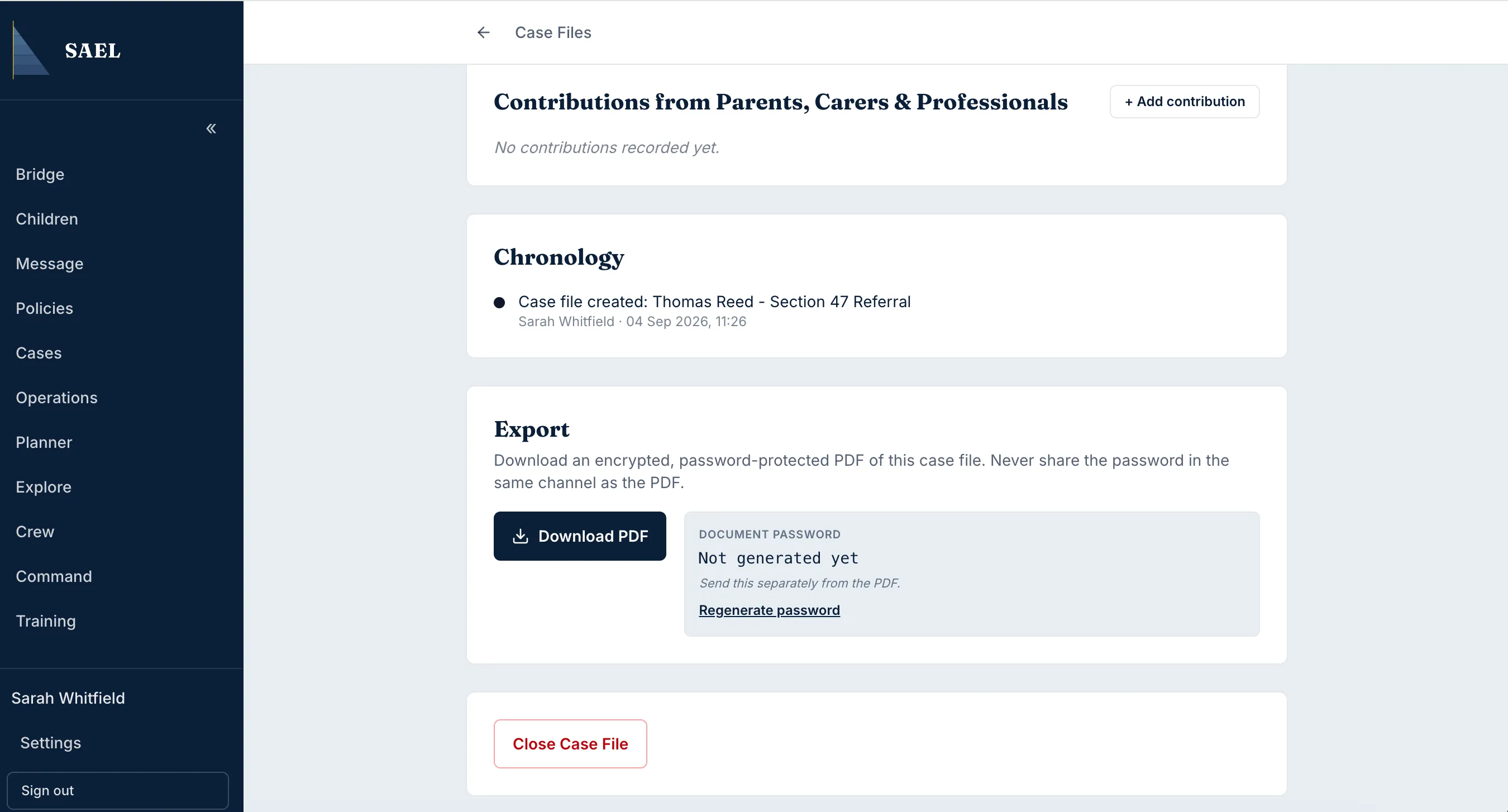
- Save the file to an approved, access-controlled location. Apply your setting’s rules for sharing, storage and retention.
- Check the downloaded PDF opens and contains the expected casefile information before relying on it.
A PDF export may contain highly sensitive safeguarding information. Do not email it to an unverified recipient or save it to a shared personal device. Use the approved secure transfer route when the information needs to be shared with another setting or professional.