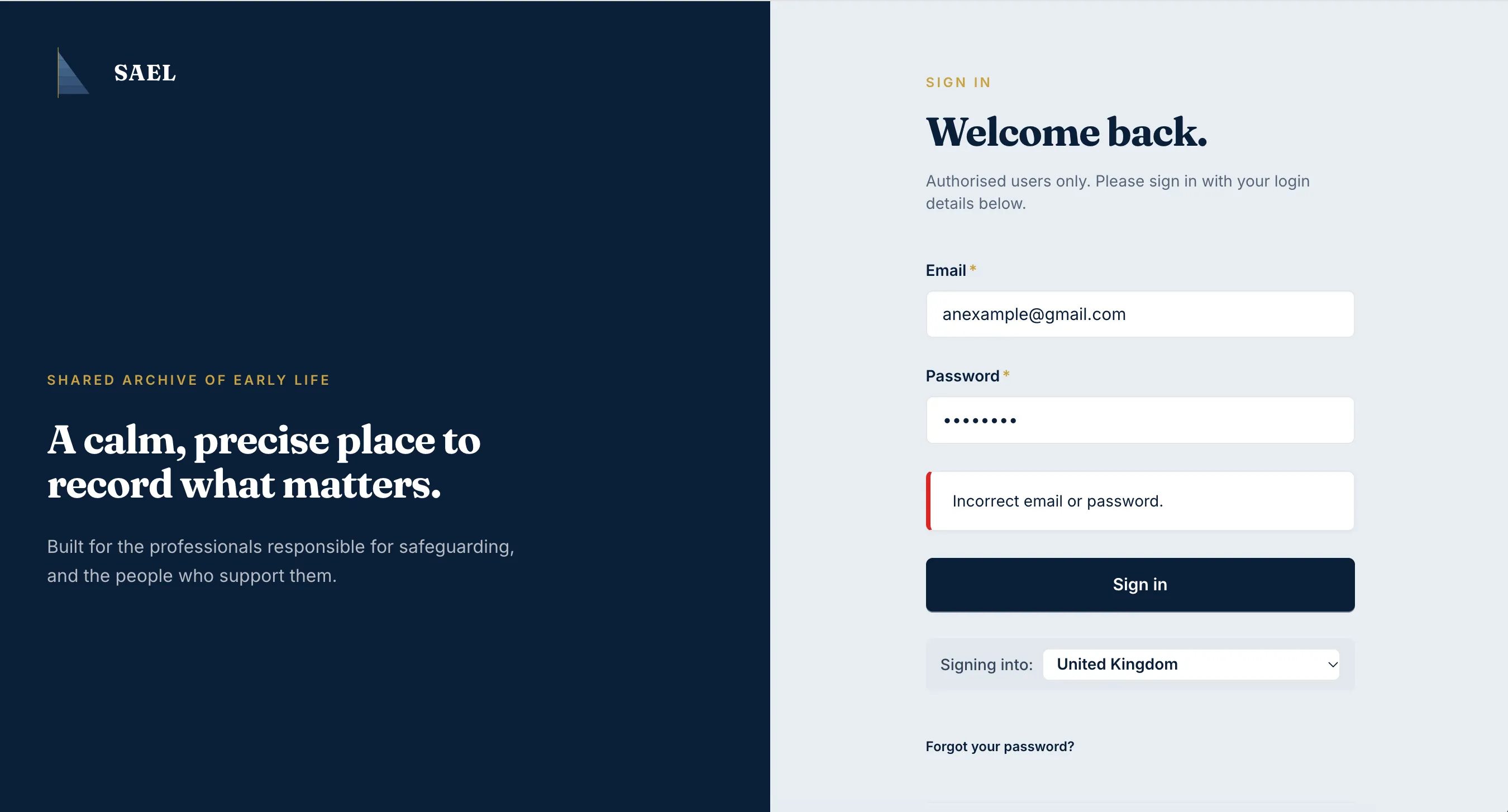
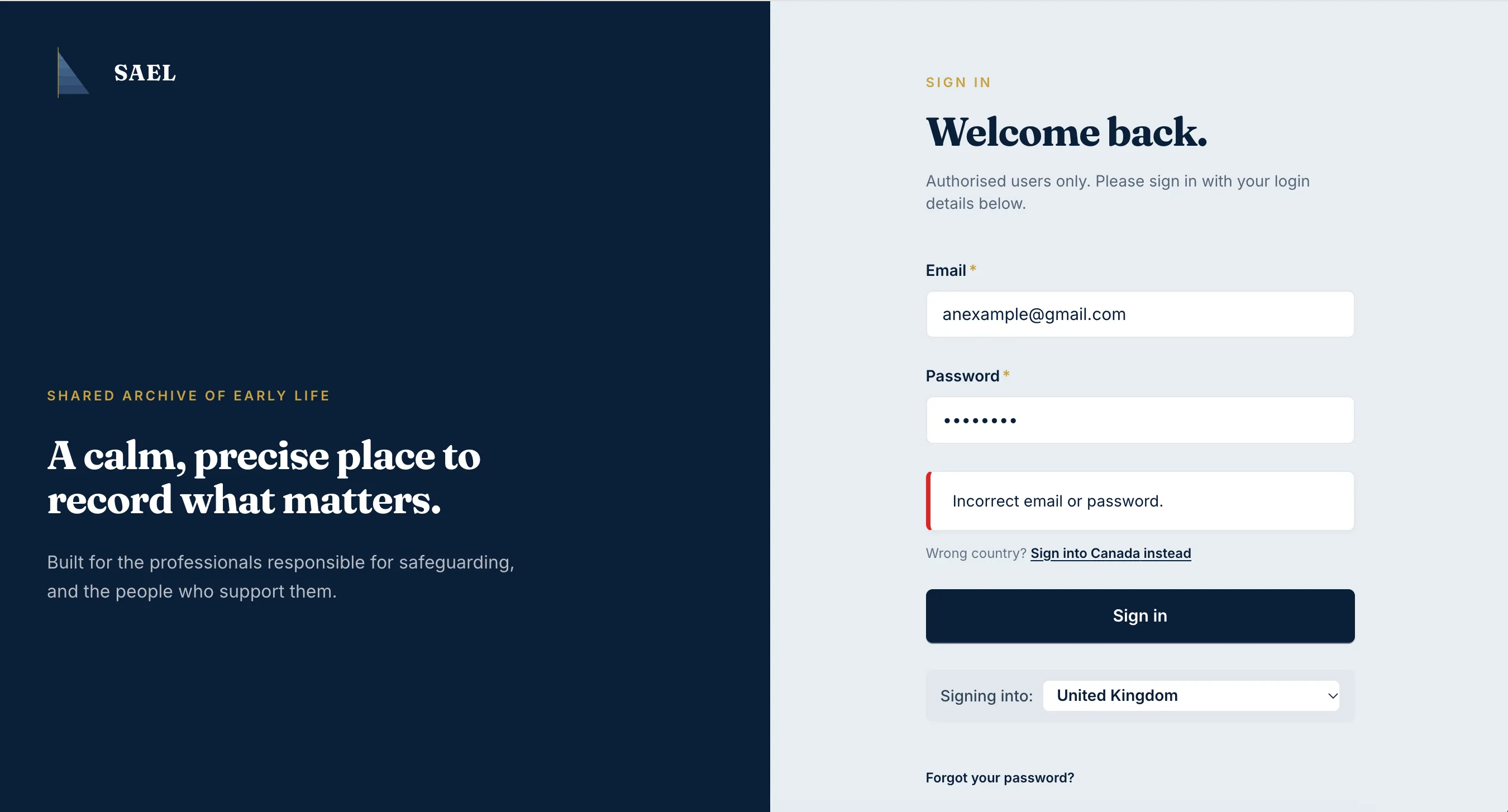
Invitation and sign-in problems
I cannot find the invitation email
Section titled “I cannot find the invitation email”- Check the inbox for the exact email address supplied to the setting administrator.
- Search junk/spam and any organisation quarantine folder.
- Ask the person who sent the invitation to confirm the address they entered and whether SAEL confirmed that the email was sent.
- If the address is wrong, ask the setting administrator to resolve the existing invitation/account rather than sending personal details to an unverified address.
The invitation link does not work
Section titled “The invitation link does not work”Open the link from the original invitation email and make sure it has not been altered, truncated or opened through a copied partial URL. If the link has expired or is no longer valid, ask the setting administrator to check the invitation and request a new one where appropriate.
SAEL says the person already has an account
Section titled “SAEL says the person already has an account”The invitation form checks whether the email already belongs to an active account assigned to the setting. If so, it does not send another invitation. A previously signed-in account can also cause SAEL to report that no new invitation email was sent. The administrator should review the existing account, role and setting assignment.
I can sign in but cannot see the expected page
Section titled “I can sign in but cannot see the expected page”Check that you have signed in using the invited email address, then check the name and role associated with your account. Your role controls the landing page and navigation. Ask the setting administrator to review your assigned role or custom setting role; do not create another account to work around a permission issue.
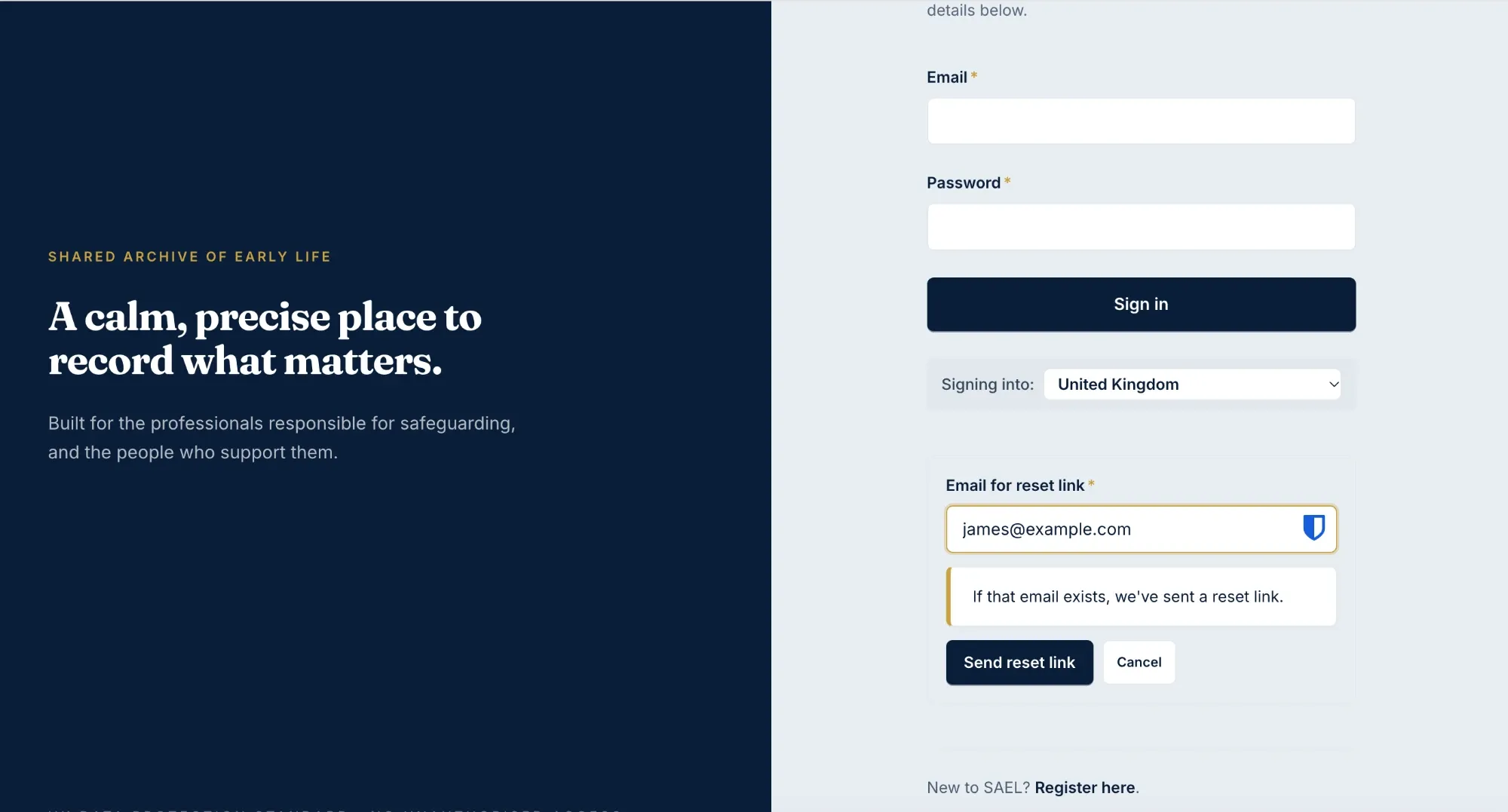
I am told to reset my password
Section titled “I am told to reset my password”Follow the password-reset screen and complete the requested change. A SAEL administrator may require a password reset before data access is restored. If the reset process fails, raise a support ticket with the error text; never include your password or a verification code.