
Show the advanced features menu
Childminder accounts have a shorter menu by default. The shortened menu is a presentation choice; it does not grant or remove permissions.
- Sign in using the childminder account.
- Open Settings.
- Find Show advanced features.
- Turn the switch on.
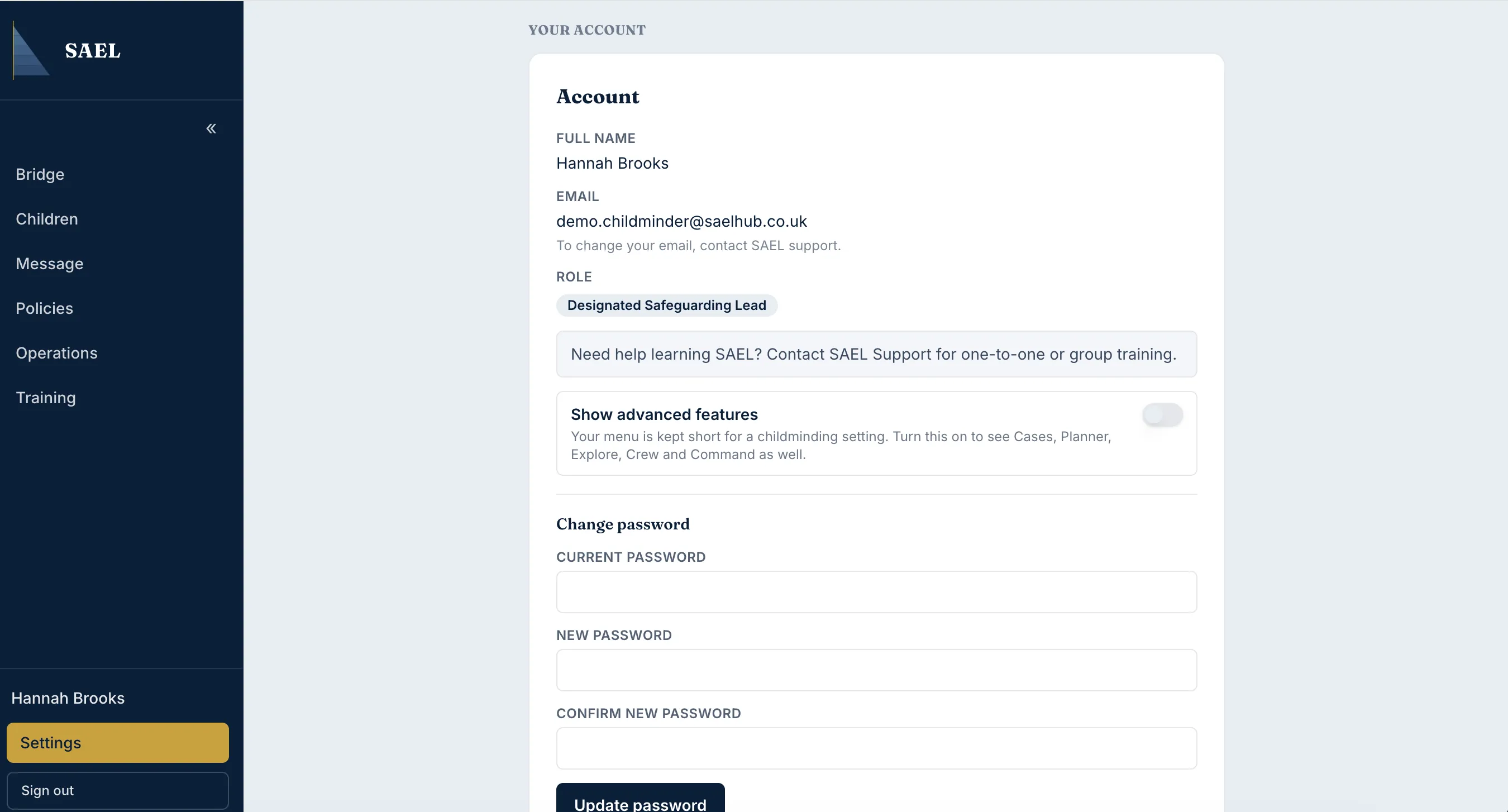
- Return to the main menu. The menu can now show additional areas such as Cases, Planner, Explore, Crew and Command, where your account is permitted to use them.
Turning this switch off hides those additional menu entries again. It does not delete records or change the underlying permissions. If a feature remains unavailable after you enable the advanced menu, the account may not have the necessary permission or the setting may not have that module enabled.